How to customize your iPhone home screen with iOS 26
Engadget | 14.02.2026 20:00
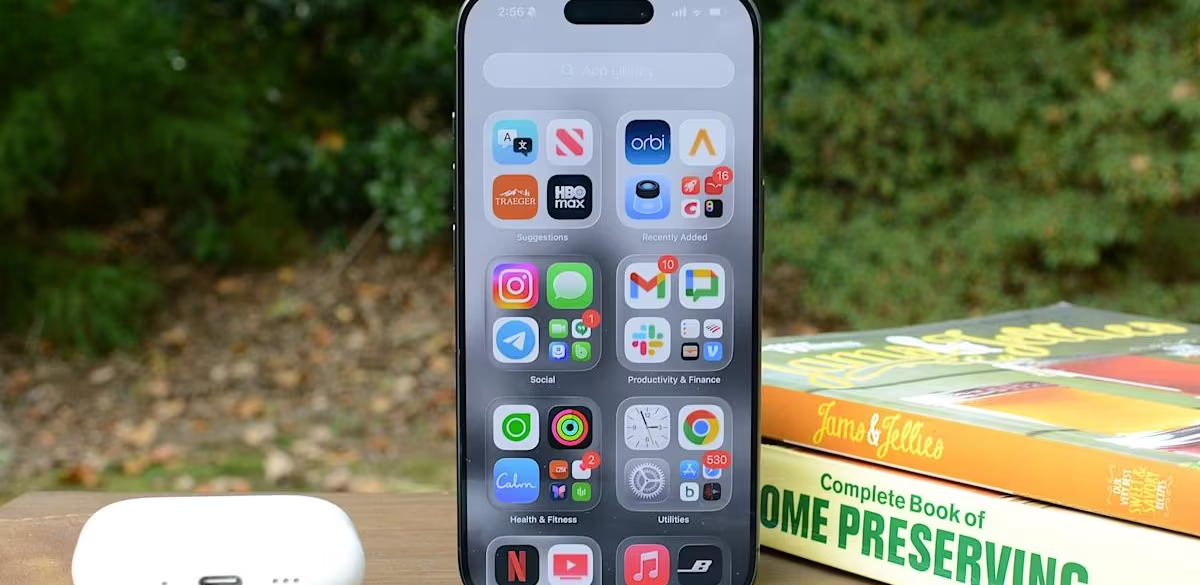
Apple has steadily expanded home screen customization on the iPhone over the past few years, and iOS 26 continues that trend with more visual control over app icons. Building on the changes introduced in iOS 18, the latest update lets you resize icons, remove app labels, apply system-wide color tints and make icons translucent using Apple’s new Liquid Glass design language.