Engadget | 27.07.2026 00:30
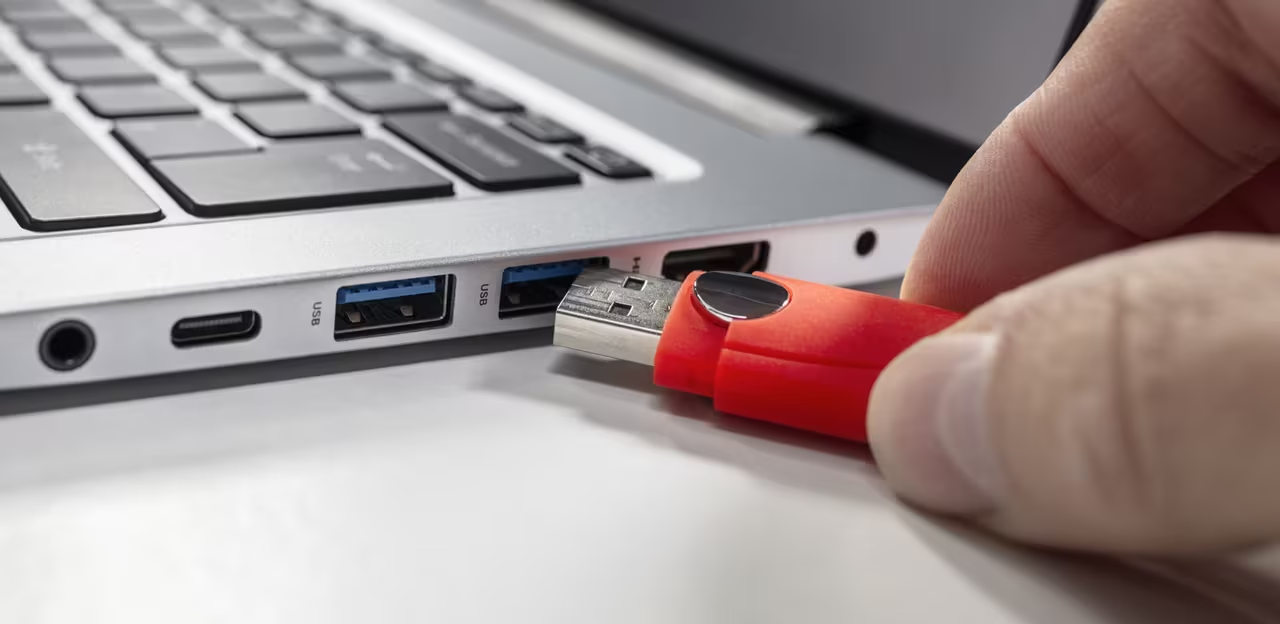
You probably don't give much thought to cleaning your USB ports, but you really should. If you're having problems powering or connecting your devices, there's a decent chance a dirty charging port is to blame. Dirty USB connections that have dust or lint inside them can lead to unstable connections or charges that drop out intermittently. That's why it's a good idea to check your devices' USB ports every now and then to ensure dirt hasn't built up inside. If it has, there are a few cheap and easy cleaning methods you can deploy, which we'll guide you through.