HDMI 2.1 vs USB-C vs DisplayPort: Which connection is better for your monitor?
Engadget | 02.07.2026 20:30
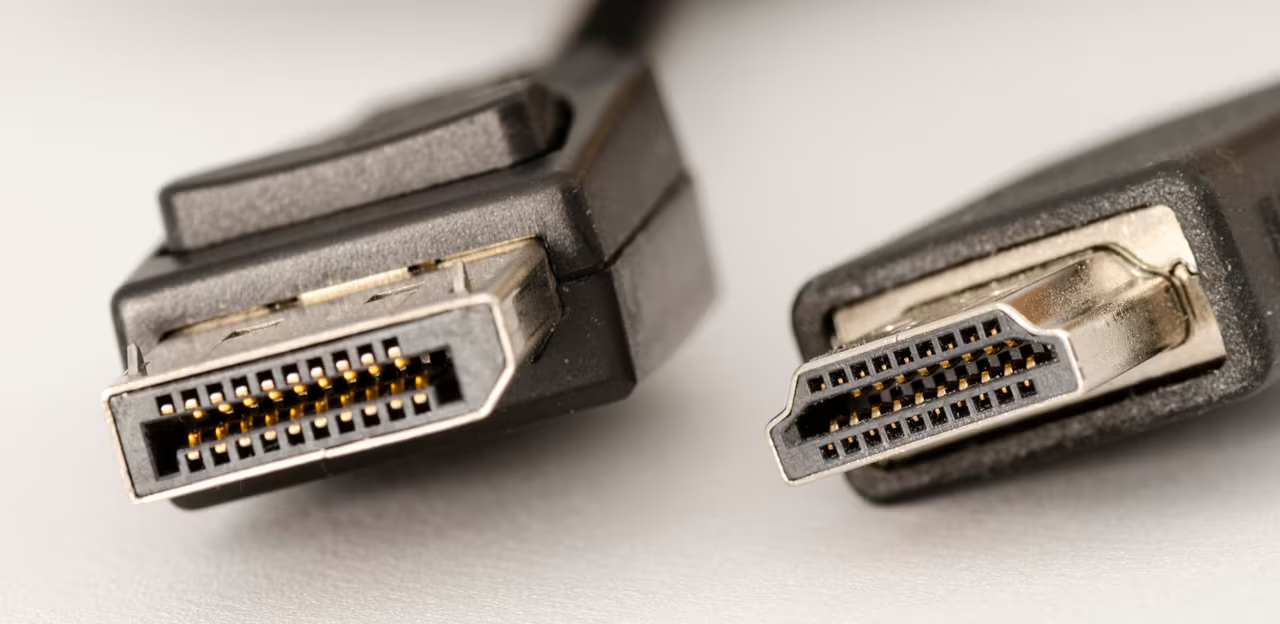
While setting up a new PC monitor, you'll often find two different video cables in the box. One, a pinched trapezoid shape, connects the monitor to a video source over HDMI. The other, with a connector that looks like a rectangle with a corner chopped off, is a DisplayPort cable. But some newer monitors also have a third port for USB-C, and you'll often find a USB-C port labeled as a video-out port on laptops, too. While having several connection options is convenient, it's not always clear which is the best for your monitor.