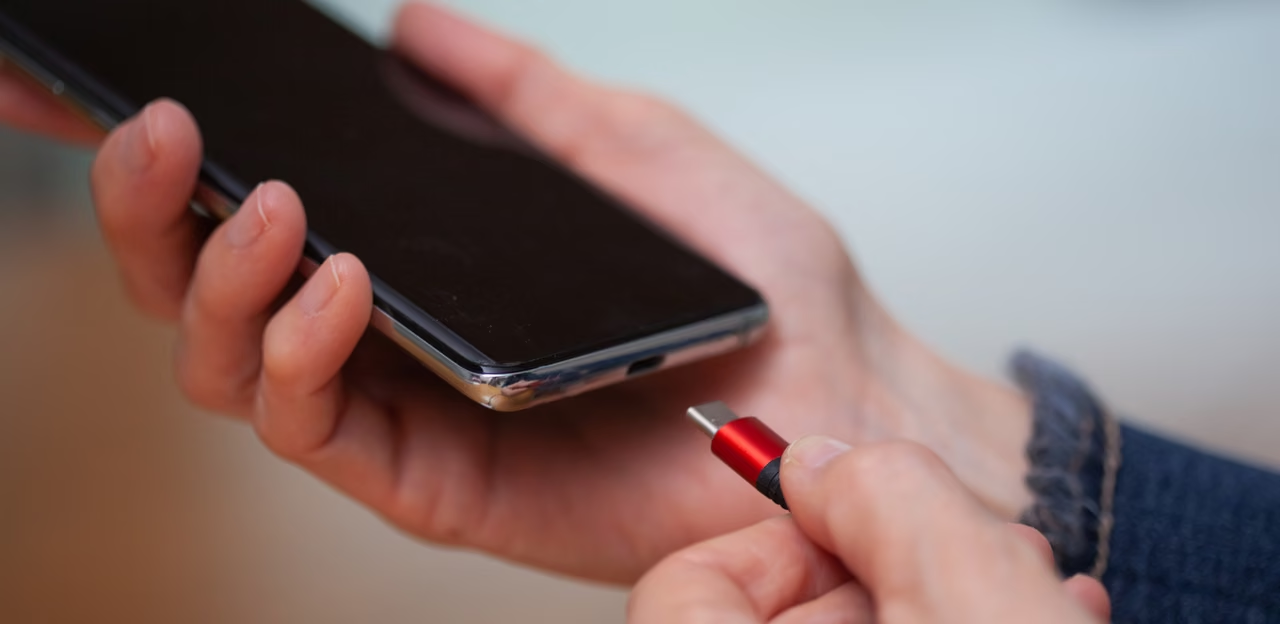
What's the meaning of the "C" on your USB-C ports?
Engadget | 03.11.2026 16:45
If you're still stuck with an unwanted app, touch and hold an empty area of the Home screen, tap Settings and select Hide apps (or Hide apps on Home and Apps screens). Select the apps you want to hide and then hit Done. This will make their icons disappear from view, but the apps remain installed and can still send notifications.