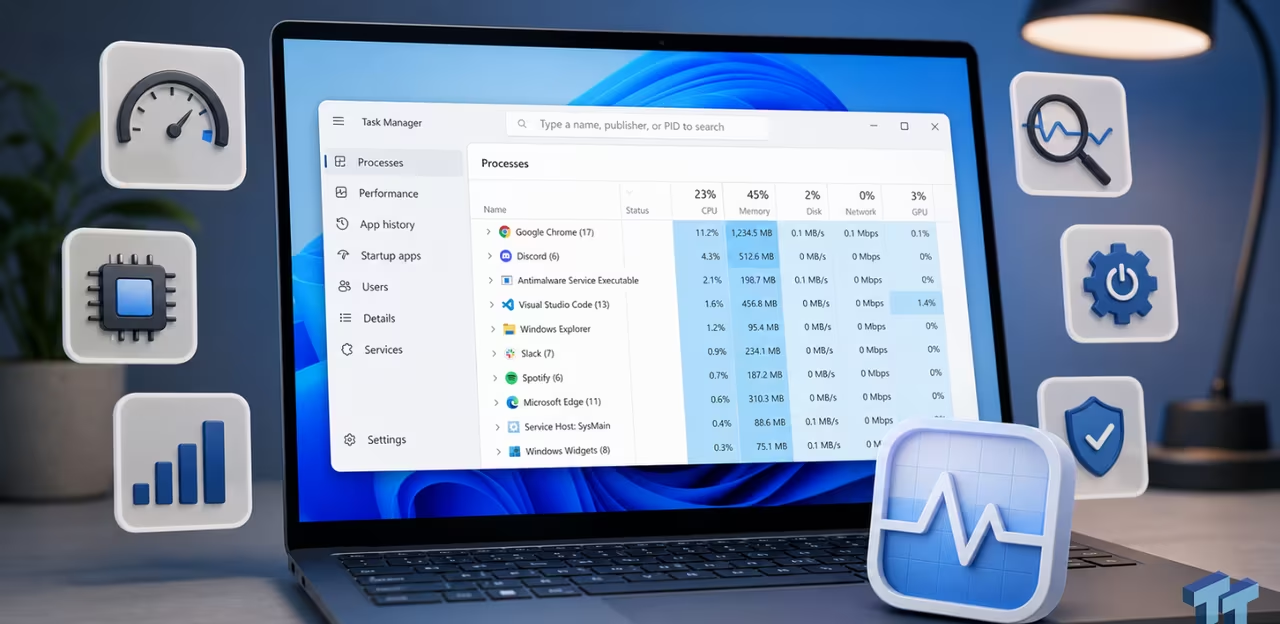
6 Task Manager tips for troubleshooting Windows performance problems
TweakTown | 02.08.2026 08:45
Most of us only use Task Manager to close unresponsive apps, but it can do much more. It can show which processes are using the most resources, help you identify performance bottlenecks, manage startup apps, monitor system resources, and identify the cause of many common Windows problems. Here are some Task Manager features every Windows user should know.